Online Guitar Tuner free — Chromatic & cents
Our free online guitar tuner is a precise chromatic tuner. It lets you tune with your microphone and choose between 440 Hz and 432 Hz reference pitches. It’s 100% free and ad-free, and works perfectly on both mobile and desktop. In addition, it offers ±1 cent accuracy, supports standard tuning, drop D, open G and DADGAD, and works with guitar, bass and ukulele. Finally, you can fine-tune each string with high precision. If you want to quickly check all strings at once, try the polyphonic guitar tuner, then come back here for detailed string-by-string tuning.
Promise: use this online guitar tuner in less than one minute, wherever you are. Just launch the tool, pluck a string… and you’re ready to play. Discover the GSC app to go further with an AI-powered learning path and guided songs.
Quick access to other online guitar tools
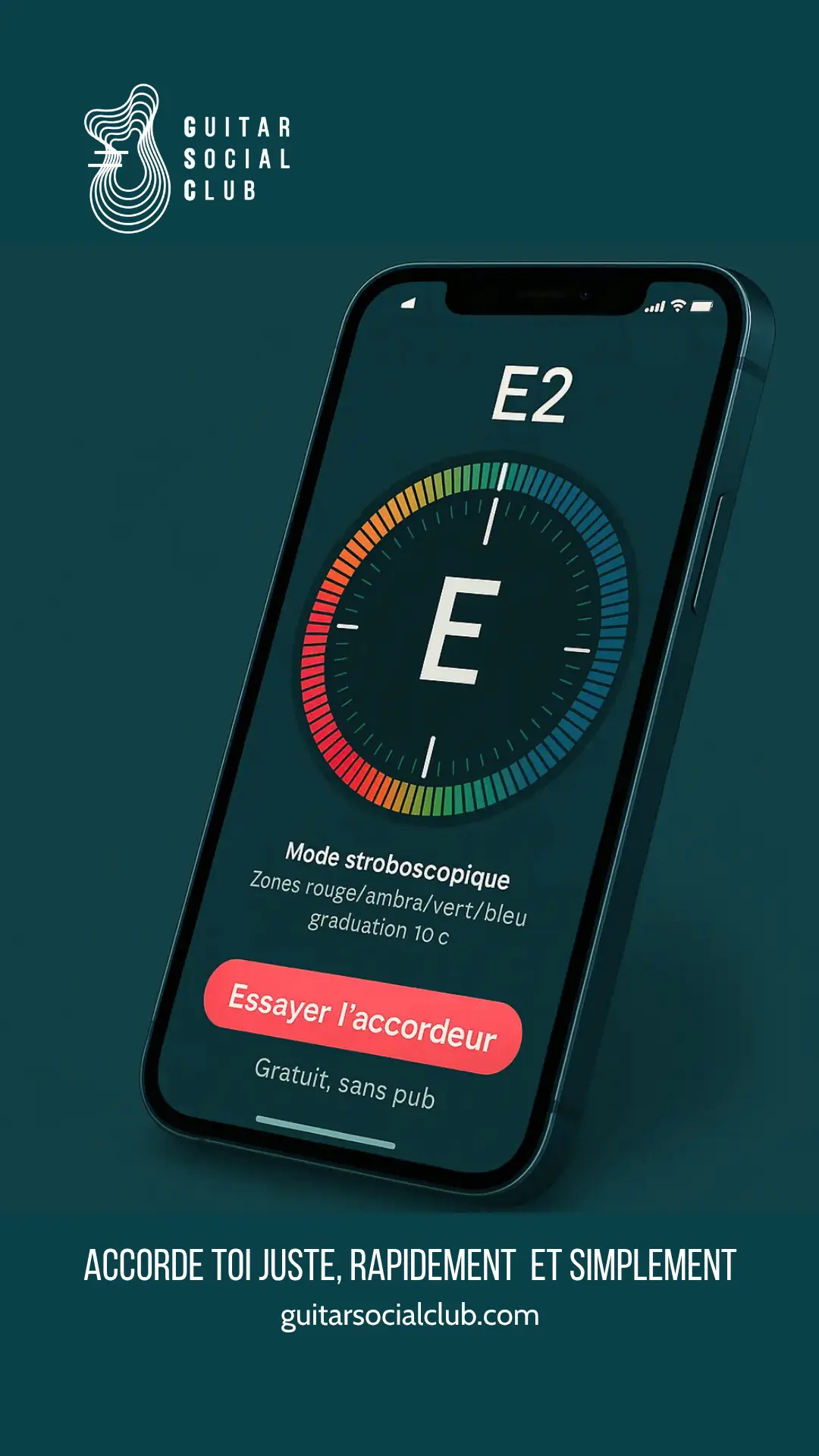
How to use the free online guitar tuner
To start, check the complete guide on how to tune a guitar. This chromatic tuner lets you tune your instrument with high accuracy.
- First, allow microphone access in your browser.
- Then pluck one open string and let it ring.
- Finally, adjust the tuning peg until the deviation is close to 0 cent.
Step by step (quick method)
- Start the tuner: click Start and allow microphone access.
- Pluck a string: play one open string and let it ring clearly.
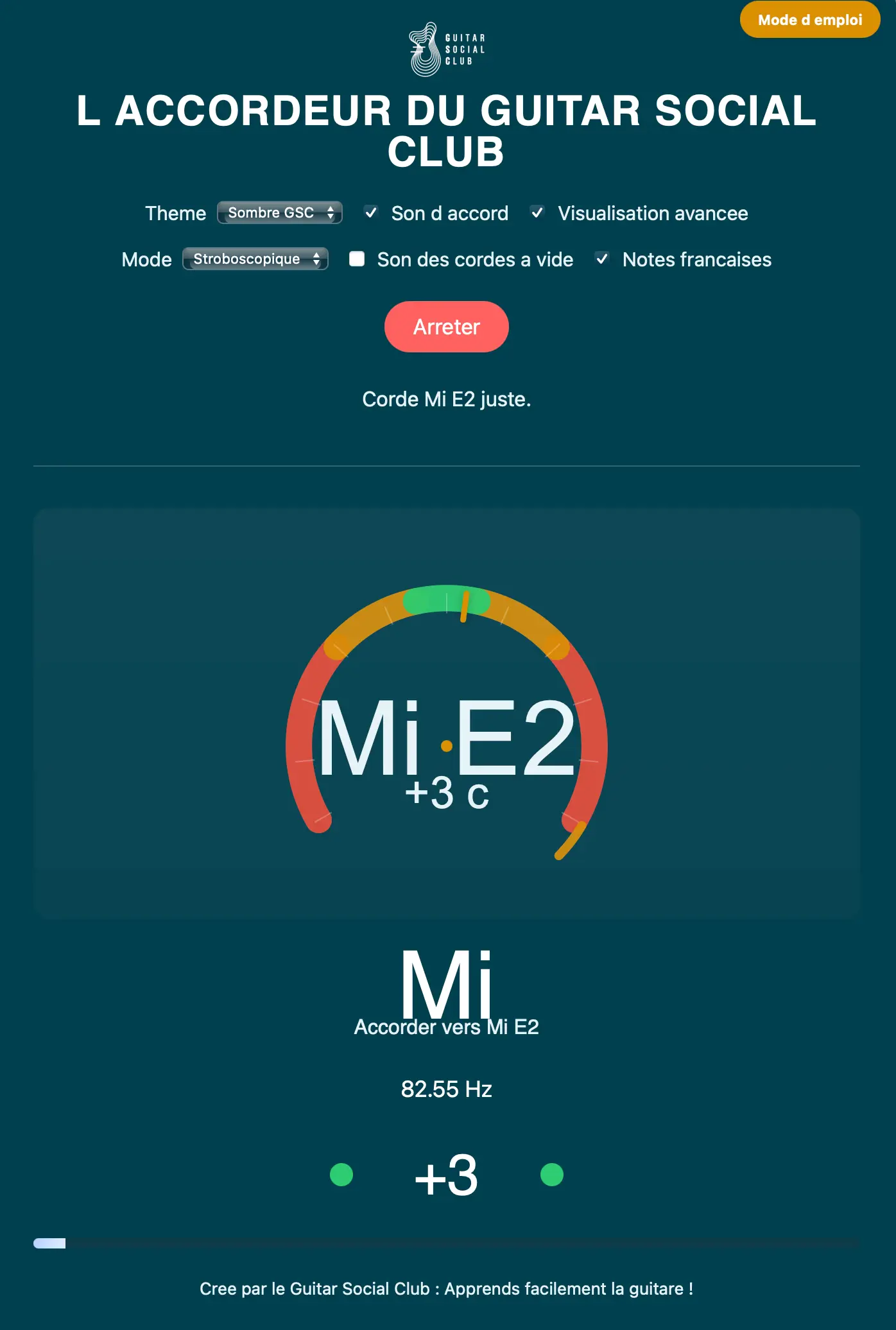
- Observe the display: check the detected note and cents deviation.
- Adjust: tighten or loosen the tuning peg until you reach 0 cent.
- Repeat: tune E2, A2, D3, G3, B3, E4 and validate with an open chord.
Tutorial video — Use the online guitar tuner in 1 minute
Precision tips
- First, choose a quiet room to reduce background noise.
- Then pluck the strings with a soft, controlled attack.
- Also, always validate with a full open chord to check the global tuning.
- If you use the polyphonic tuner, do a global check first, then finish here string by string.
Routine to progress with an online guitar tuner
Tune from the lowest string to the highest, then validate with a few open chords. Over time, try to guess whether a string is sharp or flat before looking at the screen to train your ear.
Specific use for guitar
For acoustic or electric guitar, use a clean sound, avoid heavy effects and pluck close to the center of the string. This gives the tuner a clear signal and more stable readings.
Compatibility and configuration
The tuner works in Chrome, Safari and Firefox on both desktop and mobile. Allow microphone access when your browser asks for it. For best results, use wired headphones and keep the guitar close to the device.
Online guitar tuner settings
Settings include 440/432 Hz reference pitch, chromatic detection and a cents display with ±1 cent resolution.
Common mistakes
- Plucking too hard, which creates unstable harmonics.
- Tuning in a noisy environment or too far from the microphone.
- Not checking the final tuning with chords after tuning all strings individually.
Usage checklist
- First, allow microphone access.
- Then tune from low to high (E2 → E4).
- Next, play a few open chords to confirm the tuning.
- Finally, gently stretch the strings and re-check if needed.
Troubleshooting
- No detection? Check that the microphone is allowed and selected in your system settings.
- Unstable readings? Reduce background noise and pluck the string more softly.
- Latency issues? Prefer wired headphones or speakers instead of Bluetooth.
- Mobile bug? Update your browser or try an alternative browser.
- No mic available? Use the reference tones (440/432 Hz) and tune by ear.
FAQ – online guitar tuner
General questions
- How can I tune my guitar online step by step?
- Enable the mic, pluck one string at a time, adjust until you are within 0–5 cents, repeat for E2–A2–D3–G3–B3–E4, then validate with an open chord.
- Is this tuner good for beginners?
- Yes. There is nothing to install; it’s precise, clear and shows cents so you can understand how far from the target you are.
- Is it really free and ad-free?
- Yes, this tuner is 100% free to use and contains no advertising.
- Can I use it on my phone?
- Yes. The interface adapts to mobile screens and uses the built-in microphone.
Instrument compatibility
- Does it work for classical, electric and bass guitars?
- Yes. It works for classical, acoustic and electric guitar, as well as bass and ukulele.
- Can I tune a bass with it?
- Yes, for 4, 5 or 6-string bass. Just keep the instrument closer to the mic for low frequencies.
- Can I tune a ukulele, mandolin or violin?
- Yes. It is a chromatic tuner, so it can detect any pitch and works for ukulele, mandolin, violin and more.
- Can I tune a 12-string guitar?
- Yes. Tune each pair of strings carefully and use the cents display to match the octaves.
Specific tunings
- How do I check drop D tuning?
- Lower the sixth string from E to D, tune it to 0 cent, then tune the other strings as usual and check with power chords.
- Can I use it for open G or DADGAD?
- Yes. Tune each string to the target pitch (for example D–A–D–G–A–D for DADGAD) and adjust until the cents display is at 0.
- What about half-step down (Eb standard)?
- Tune to Eb–Ab–Db–Gb–Bb–Eb using the chromatic mode, then check with familiar riffs or chords.
Technical questions
- What is the difference between chromatic and diatonic?
- A chromatic tuner detects all notes including sharps and flats, which is ideal for open tunings. A diatonic tuner is limited to a specific scale.
- Can it recognise harmonics?
- Yes, it can detect natural harmonics, which can help you with relative tuning using 5th and 7th fret harmonics.
- Can I tune by ear if I don’t want to use the mic?
- Yes. Use the 440/432 Hz reference tones as a pitch reference, then confirm with the chromatic view if you like.
- Why does the needle keep moving?
- Background noise, very strong attacks and resonances can make the needle move. Play softly, closer to the mic, and let the string ring steadily.
- Is it reliable enough for concerts?
- In a quiet backstage or rehearsal room, yes. On a loud stage, a dedicated pedal tuner is more practical; this tool is perfect for practice, travel and home use.
User reviews
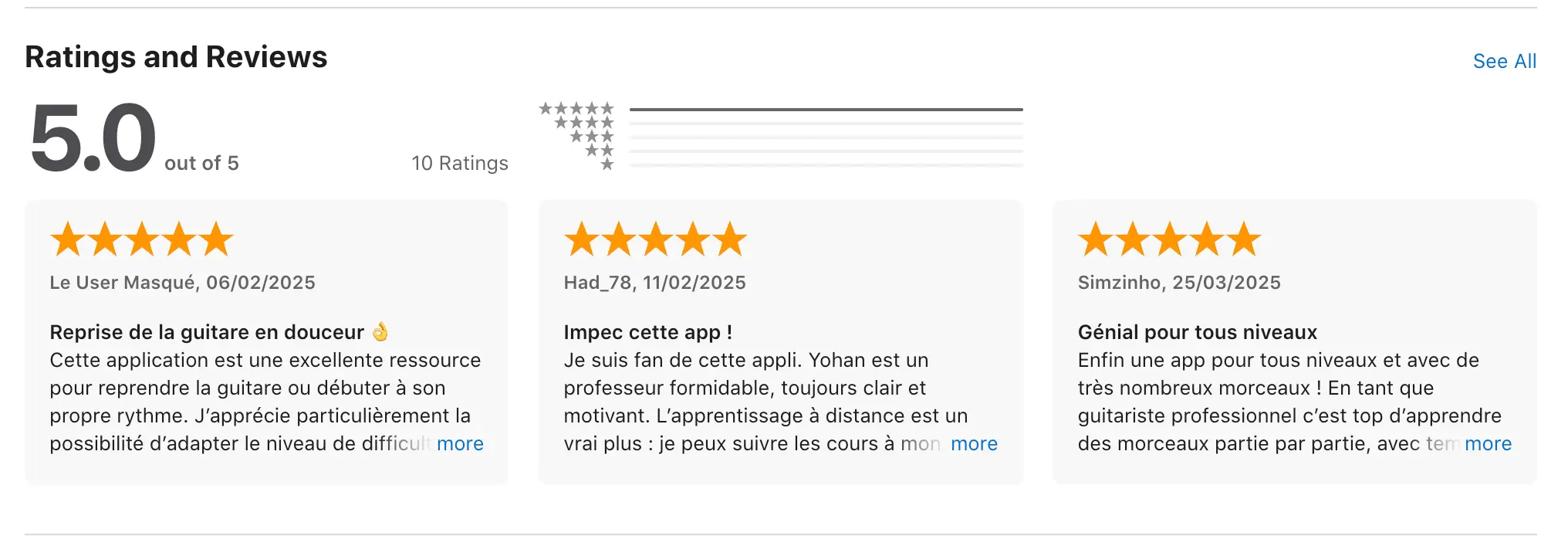
Elodie Gaussares ★★★★★
Simple, accurate and fast — perfect for standard tuning and drop D.
Isabelle Hoyaux ★★★★★
Ad-free, very smooth for bass and super convenient on mobile.
Had_78 ★★★★★
Intuitive chromatic tuner, precise cents display and a handy 432 Hz option.
Laurent. R ★★★★★
Great for DADGAD, clear interface and works perfectly on my phone.
Popular search variants
Here are some of the queries that often bring players to this page. Each link points to a useful resource to strengthen both navigation and SEO.
Close queries
Why an online guitar tuner is essential
If your guitar is out of tune, your ear gets used to wrong intervals and your chords never sound stable. A reliable online guitar tuner helps you keep the instrument in tune, train your ear and enjoy playing much more.
Other useful tools to progress
- Drum machine: work on your tempo and strumming patterns.
- Tab editor: write down your ideas and ear-training exercises.
- Songbook: jump straight into songs to anchor your reflexes.
Boost your guitar progress with the Guitar Social Club app
Use this online guitar tuner for quick tuning. Then continue with a personalized AI learning path, ear-training tools, rhythm practice and iconic songs.
- AI creates a custom path based on your favorite songs
- 4,500 progressive teaching videos
- 200 iconic songs to learn
- A community and tips to stay motivated
An online guitar tuner, and much more 🎸
The Guitar Social Club app includes an online guitar tuner, 200+ easy songs, and an AI coach that guides you step by step.
Try Guitar Social Club for freeAbout the author
Yohann Abbou created Guitar Social Club to help you tune better and progress faster. Clear tools, efficient exercises and a powerful AI guitar coach adapt the learning path to your level and tastes. Want a simple plan? Discover the Guitar Express program and our guide to the best guitar app.
Last update: 2025-10-29